Guides/6 min read
After your post-discovery recap, send a short Google Forms questionnaire—drafted with ChatGPT and delivered via Gmail—so clients confirm details in writing before you write scope.
Read guide→Guides/6 min read
After a sales or discovery call, send a same-day recap that confirms decisions, surfaces open questions, and sets a mutual action plan—using ChatGPT, Google Docs, and Gmail.
Read guide→Guides/6 min read
Stop winging discovery calls. Pull Calendly answers, Gmail threads, and LinkedIn snippets into one honest pre-call brief so you listen better and quote faster.
Read guide→Guides/5 min read
When the 72-hour stabilization window ends, bridge to hypercare: ChatGPT closeout summary, Google Docs Transition Brief, Sheets log carryover, and Gmail T+72 handoff.
Read guide→Guides/5 min read
After go-live, run a 72-hour watch: ChatGPT signal triage, Google Docs Stabilization Brief, Sheets monitoring log, and Gmail T+0/T+24/T+72 before hypercare.
Read guide→Guides/7 min read
After UAT go, run a controlled production cutover: ChatGPT Cutover Brief, Google Sheets smoke log, rollback triggers, and a three-email Gmail war-room cadence through T+0.
Read guide→Guides/5 min read
Before production cutover, run structured user acceptance testing: ChatGPT turns scope into test scripts, a UAT Brief in Google Docs, a Sheets defect log, and a three-email Gmail cadence through go/no-go.
Read guide→Guides/5 min read
After delivery, use ChatGPT triage, a one-page Warranty Defect Brief in Google Docs, and a three-email Gmail cadence to separate true defects from paid change requests.
Read guide→Guides/5 min read
Close a freelance or SMB engagement without loose ends: a Google Doc handover brief, access and secrets inventory, data export checklist, knowledge transfer agenda, and a three-email Gmail closure sequence—structured with ChatGPT prompts you can paste today.
Read guide→Guides/5 min read
When Make, Zapier, or webhooks stop silently during an active retainer, use this playbook: AI triage, an Integration Status Brief in Google Docs, Gmail update cadence, and end-to-end verification before you close the ticket.
Read guide→Guides/6 min read
When client emails bounce or land in spam during an active support retainer, use this playbook: AI triage, a one-page Deliverability Brief, DNS evidence, a three-email Gmail cadence, and a verification checklist before you close the ticket.
Read guide→Guides/6 min read
When a retainer client's release breaks checkout or core flows, roll back with proof—not panic. Use ChatGPT for triage, a Google Docs Rollback Brief, and a Gmail cadence so deploy mistakes stay billable and traceable.
Read guide→Guides/5 min read
When a TLS certificate on a retainer client is nearing expiry, renew with proof—not panic. Use ChatGPT triage, a Google Docs renewal brief, and a Gmail cadence so browsers stay trusted and hours stay billable.
Read guide→Guides/7 min read
When the same ticket keeps reopening on your support retainer, stop firefighting. Use ChatGPT triage, a Google Docs problem record, and a Gmail update cadence to reach a permanent fix.
Read guide→Guides/5 min read
When a retainer client reports slowness—not a full outage—use ChatGPT for FACT/ASSUMPTION triage, a Google Doc Performance Brief with baselines, bisection steps, Gmail update cadence, and P1 escalation triggers.
Read guide→Guides/6 min read
When a retainer client deletes or overwrites the wrong data, use ChatGPT for FACT/ASSUMPTION triage, a one-page Google Doc restore brief, scoped backup recovery, Gmail status emails, and a post-restore checklist logged in monthly review.
Read guide→Guides/5 min read
Phishing, leaked passwords, and rogue sessions need containment—not a generic outage ticket. Use this retainer pack: ChatGPT FACT/ASSUMPTION triage, Google Doc Security Incident Brief, Gmail sequence, rotation checklist, and verification before all-clear.
Read guide→Guides/6 min read
Planned upgrades, migrations, and certificate renewals need a written maintenance window—not a surprise outage. Use this retainer pack: AI snapshot, Google Doc brief, Gmail sequence, rollback triggers, and post-window verification.
Read guide→Guides/5 min read
When the fix lives with a SaaS vendor or host—not your retainer team—use this pack: classify ownership with AI, publish a Google Doc status bridge, sequenced Gmail updates, and clear hour-burn rules while you wait.
Read guide→Guides/7 min read
When a retainer ticket is really a new build, training sprint, or legal ask—not included support—use this AI-assisted pack: boundary memo in Google Docs, polite Gmail redirect, and a clean path to change request or project quote.
Read guide→Guides/7 min read
When your client's champion leaves or a new PM inherits the retainer, use this AI-assisted pack: handoff memo, escalation rewrite, access audit, and Gmail sequence—without pausing support.
Read guide→Guides/5 min read
When a support retainer ends—non-renewal or early exit—use this pack to snapshot open work, build a Google Doc wind-down checklist, sequence Gmail confirmations, and revoke access on schedule.
Read guide→Guides/6 min read
When you miss a contractual response or resolution window on a support retainer, use this pack to log facts, draft credit options in Google Docs, and get written client approval in Gmail—before the next invoice.
Read guide→Guides/6 min read
After a retainer P1 is resolved, use ChatGPT, Google Docs, and Gmail to ship a blameless RCA one-pager, preventive actions, and written client acknowledgment—without surprise billable hours.
Read guide→Guides/5 min read
When a client drops a “everything is down” message on your retainer, classify severity, start the SLA clock, and send structured Gmail updates—using ChatGPT, Google Docs, and Gmail before hours disappear into chaos.
Read guide→Guides/5 min read
When the retainer cycle ends with hours left on the bank, pause ad-hoc favors and send a one-page Google Doc with three written options—rollover, credit, or forfeiture—using ChatGPT, Google Docs, and Gmail.
Read guide→Guides/6 min read
When a support retainer runs out of hours before month-end, pause billable work, offer three top-up options in Google Docs, and get Gmail approval—using ChatGPT, Google Docs, and Gmail.
Read guide→Guides/6 min read
Turn your last quarter of retainer reviews into three renewal options, a one-page Google Doc amendment, and a Gmail sign-off sequence—with ChatGPT, Google Docs, and Gmail.
Read guide→Guides/5 min read
Turn ticket exports and hour logs into a one-page monthly retainer review—themes, SLA notes, and next-month priorities—with ChatGPT, Google Docs, and Gmail.
Read guide→Guides/5 min read
Turn a signed support retainer into a welcome doc, ticket intake template, and SLA acknowledgment email with ChatGPT, Google Docs, and Gmail—before the first real ticket lands.
Read guide→Guides/5 min read
After hypercare ends, clients still need help—but not unlimited free fixes. Use ChatGPT to draft a one-page retainer SOW in Google Docs and send a clear Gmail proposal with hours, SLA, and boundaries.
Read guide→Guides/6 min read
When your 30-day hypercare ends, send a written closure summary, a Google Forms feedback link, and—only if the project went well—ChatGPT-drafted testimonial or referral asks you send yourself.
Read guide→Guides/6 min read
After handoff, clients still ping you. Build a written 30-day hypercare window with issue triage, Google Docs logging, and ChatGPT-drafted Gmail replies you send yourself.
Read guide→Guides/6 min read
Pause client work without losing context: ChatGPT drafts a one-page Google Doc pause agreement, Gmail confirmation, and a resume checklist when the date returns.
Read guide→Guides/6 min read
Close project phases with proof: tag client feedback in ChatGPT, build a one-page Google Doc acceptance sheet, and request written sign-off via Gmail before you invoice the next milestone.
Read guide→Guides/5 min read
Stop unpaid scope creep: capture client asks, draft impact with ChatGPT, send a one-page Google Doc for approval via Gmail, then update scope and invoice.
Read guide→Guides/5 min read
When the build is done, clients still need a calm closeout: deliverables, access, how-to-run notes, and support boundaries. Use ChatGPT and Google Docs to assemble a handoff pack you send yourself via Gmail.
Read guide→Guides/6 min read
You won the project—now turn the signed proposal and intake answers into a welcome email, kickoff agenda, and shared checklist clients actually read. ChatGPT drafts; you send.
Read guide→Guides/5 min read
Turn a messy brief into a proposal clients actually read: capture inputs once, let ChatGPT draft sections you edit, price honestly in Google Docs, and send from Gmail without sounding like a template mill.
Read guide→Guides/5 min read
A 15-minute Friday habit: log bullets in Google Docs, draft a clear status email with ChatGPT, edit the facts, and send from Gmail—optional Make reminder included.
Read guide→Guides/6 min read
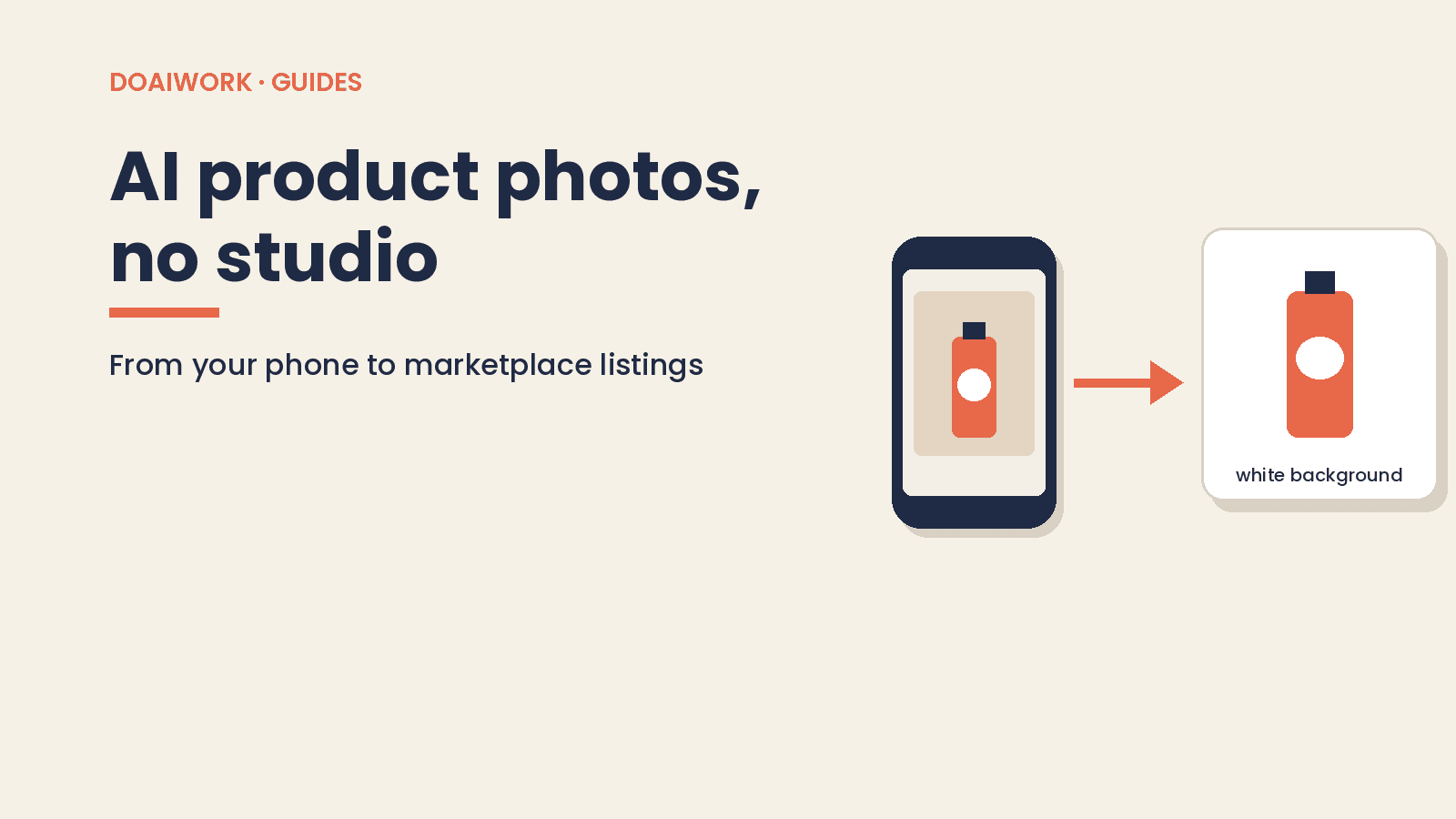
Phone-to-listing product photos with AI: remove backgrounds, Amazon RGB 255 white mains, Photoroom vs Canva, and mistakes that mislead buyers.
Read guide→Guides/5 min read
Same-day one-page scope from your call notes: paste-ready AI prompt, out-of-scope section, and testable deliverables—you send it, not the bot.
Read guide→Guides/7 min read
Four reminders for an unpaid freelance invoice, three emails you can paste, and a Make scenario that only creates drafts. You still send them.
Read guide→Guides/7 min read
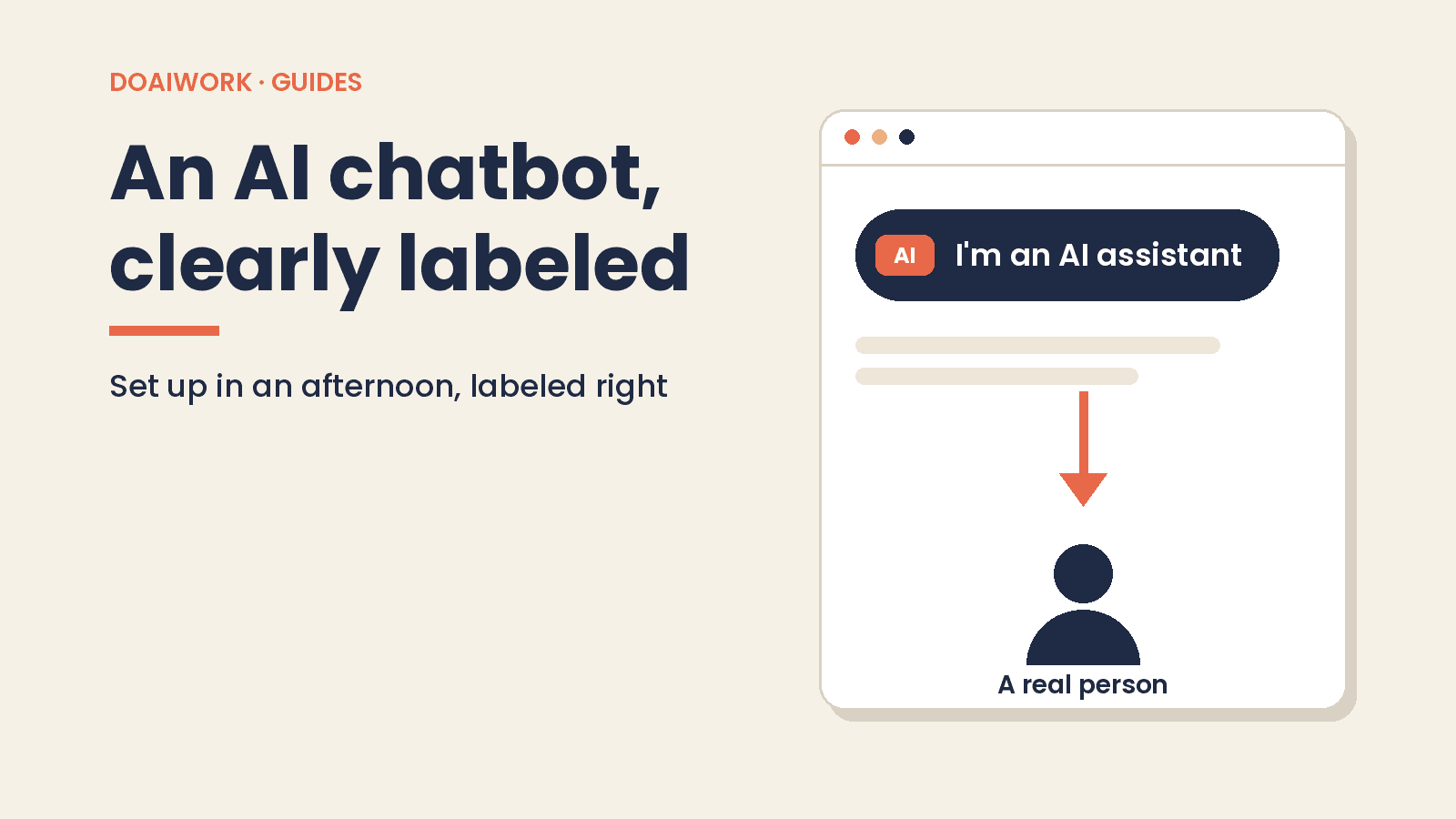
What a website chatbot can handle, a 5-step afternoon setup, a base prompt, California’s bot disclosure law, and three copy-ready AI notices.
Read guide→Guides/9 min read
Use Gemini or ChatGPT to reply to Google reviews in your own voice: setup, a base prompt, 5 templates, the FTC fake-review rule and a 15-minute weekly routine.
Read guide→