
Support Retainer SLA Breach Pack: Service Credits With AI
When you miss a contractual response or resolution window on a support retainer, use this pack to log facts, draft credit options in Google Docs, and get written client approval in Gmail—before the next invoice.
By DoAIWork · October 23, 2026
You promised a four-hour first response on a monthly support retainer—and the ticket sat for nine hours while you were buried on another client. That is not a live P1 outage playbook moment, and it is not a blameless post-incident RCA. It is a contractual SLA miss by you, the provider. If you invoice as if nothing happened, trust erodes fast.
This guide is a service credit make-good pack: capture timestamps, compare them to the signed SLA, draft fair credit options with ChatGPT, put them in a one-page Google Doc, and close the loop with a short Gmail thread so the client picks Option A, B, or C in writing before the next cycle.
When to use this pack (and when not to)
Use it when:
- The retainer contract defines response time, resolution target, or included hours per month, and you missed a measurable window.
- The client raised a ticket through your normal retainer channel (email, portal, Slack—whatever the kickoff doc says).
- You need a written credit or adjustment (bonus hours, invoice line credit, or extended deadline) without reopening the whole SOW.
Skip it when:
- You are still inside an active major incident—run your urgent P1 pack first, then consider credits after stabilization.
- The issue is root-cause and prevention after an outage—use your post-incident retrospective pack; credits can be an appendix there, but this pack is for SLA clock failures as the main story.
- The ask is new scope, not SLA failure—route to your change-request workflow instead.
What you need before you start
Gather these facts in one note (bullet list is fine):
- Ticket ID or subject line and channel (Gmail thread URL, helpdesk link).
- Contract SLA snippet (response hours, business hours vs 24/7, resolution target if any).
- Timestamps: ticket opened, first human reply, resolution or current status.
- Impact in client words (one sentence—they often paste this in the thread).
- Your retainer hour bank this month (used vs included) from your time tracker or spreadsheet.
If the kickoff Google Doc or signed proposal is missing SLA text, quote what you actually sold in the proposal email and flag ASSUMPTION in the doc.
Step 1 — Classify the breach with ChatGPT
Paste your fact block into ChatGPT with this prompt (edit brackets):
You are a freelance operations assistant. Compare these timestamps to the SLA below.
Output:
1) Breach type: response | resolution | other
2) FACT vs ASSUMPTION table (only mark FACT if timestamp or quote is provided)
3) Severity: minor | material | severe (material = missed response by >2x or client escalated)
4) One neutral sentence for the client doc (no groveling, no blame)
SLA: [paste clause]
Facts: [paste bullets]
Save the output. You will paste the neutral sentence and the FACT table into Google Docs verbatim after a quick human check.
Step 2 — Draft credit options (A / B / C)
Ask ChatGPT for three concrete options tied to your contract economics:
Given breach type [X] and severity [Y], draft three service credit options for a support retainer:
A) Bonus support hours (number) added this cycle with expiry date
B) Fixed currency credit on next invoice (amount) with line-item label
C) SLA makeup: prioritized queue for next [N] tickets within [timeframe]
For each: client benefit, your cost boundary, and what happens if they choose "no credit, note only."
Keep each option under 80 words. USD. No legal guarantees.
Pick options you can actually honor. Under-promising beats a second breach.
Step 3 — One-page Google Doc
Create a doc titled: Retainer SLA review — [Client] — [YYYY-MM-DD].
Sections (headings exactly like this so clients scan fast):
- Summary — one paragraph + ChatGPT neutral sentence.
- Timeline (FACT / ASSUMPTION) — table with columns: Event | Time (timezone) | Source | FACT or ASSUMPTION.
- SLA reference — quote the clause or link to kickoff doc.
- Credit options — A / B / C with a blank line under each:
Client choice: ___________. - Next invoice note — how the credit appears if they pick B.
- Sign-off — "Reply in email with chosen option by [date] or we default to Option [smallest reasonable]."
Share with comment or view as your policy dictates; the binding choice still happens in Gmail so you have a thread.
Step 4 — Gmail sequence
Send from the same address you use for retainer support.
Email 1 — heads-up (same day you publish the doc)
Subject: SLA review + credit options — [Client] — [date]
Body skeleton:
- Acknowledge the miss in one sentence (fact-based).
- Link the Google Doc.
- Ask them to reply with A, B, C, or D (no credit, documented only) by [date].
- Mention monthly review cadence so this does not feel like a one-off ambush.
Email 2 — only if no reply in 3 business days
Short bump with the default option stated clearly.
Do not debate scope in this thread—open a separate CR thread if they pivot to new work.
Flow overview
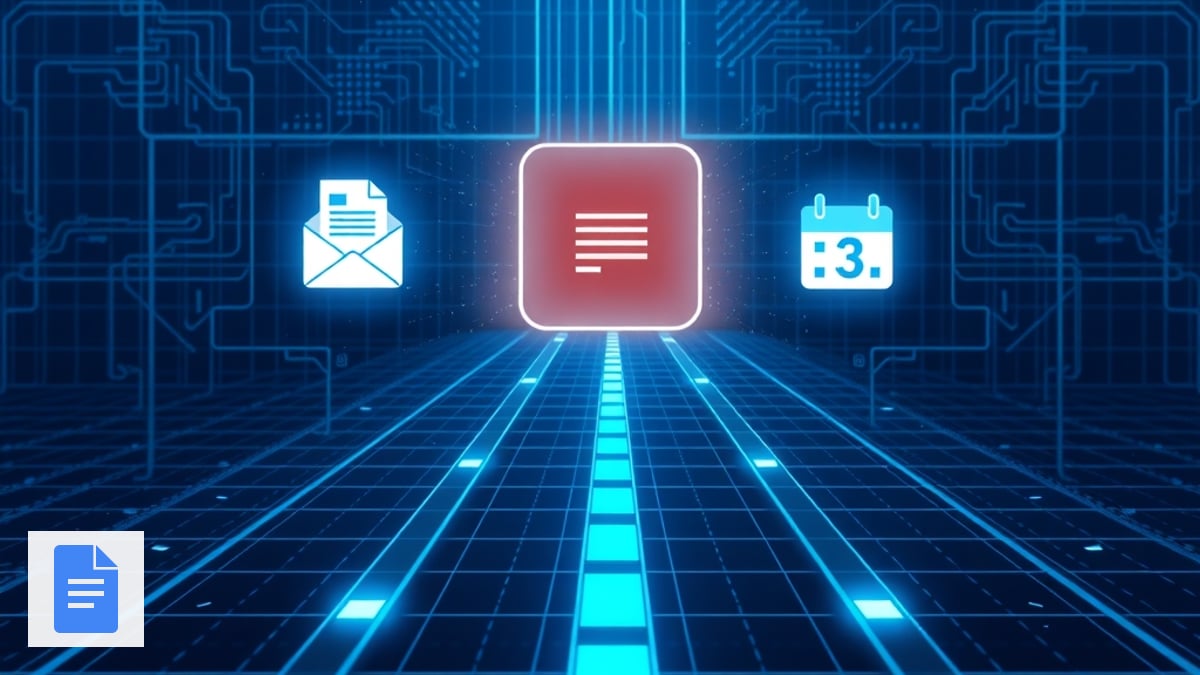
Inline visual: three paths to yes
Step 5 — Apply the credit and log it
When the client replies:
- Update your hour bank or billing sheet the same day.
- Add a one-line note on the ticket:
SLA credit applied — Option [X] — [date]. - At the monthly retainer review, mention closed SLA reviews so patterns (always response misses on Mondays?) show up early.
If they choose no credit, you still keep the doc— it proves transparency if they revisit later.
Quality checks before you send
- Every timestamp has a timezone.
- No credit option exceeds what your contract allows (some MSAs cap credits at 10% of monthly fee).
- You did not copy apology language that admits liability beyond the SLA—stay factual.
- The doc link permissions work for the client contact on the thread.
Related playbooks on DoAIWork
This pack sits after day-to-day retainer ops and beside incident workflows:
- Monthly support retainer review — roll SLA trends into themes.
- Urgent P1 incident pack — when the system is down now, not when the clock already failed quietly.
- Post-incident retrospective pack — when you need RCA and preventive actions, not just credits.
Bottom line
Missing an SLA on a retainer is a business problem, not a character flaw. A one-page doc plus a clear Gmail choice beats silent overbilling—and it takes less than an hour once you reuse this pack. Run it the same week as the miss while timestamps are still easy to pull.
Related guides

Send Post-Discovery Client Homework With AI (Google Forms + Gmail)
After your post-discovery recap, send a short Google Forms questionnaire—drafted with ChatGPT and delivered via Gmail—so clients confirm details in writing before you write scope.
Read guide
Send a Post-Discovery Call Recap Email With AI the Same Day
After a sales or discovery call, send a same-day recap that confirms decisions, surfaces open questions, and sets a mutual action plan—using ChatGPT, Google Docs, and Gmail.
Read guide
Build a Pre-Client Call Brief With AI in 10 Minutes (Calendly + Your Notes)
Stop winging discovery calls. Pull Calendly answers, Gmail threads, and LinkedIn snippets into one honest pre-call brief so you listen better and quote faster.
Read guide