
How to Turn Messy Weekly Notes Into a Client Status Email (With AI)
A 15-minute Friday habit: log bullets in Google Docs, draft a clear status email with ChatGPT, edit the facts, and send from Gmail—optional Make reminder included.
By DoAIWork · October 6, 2026

Short answer: Collect a week of bullets (tasks, blockers, wins) in one Google Doc, paste them into ChatGPT with a fixed status-email prompt, edit the draft for facts and tone, then send from Gmail—or schedule a Friday reminder with Make if you keep forgetting.
Who this is for: Freelancers, consultants, and small agencies on retainers who owe clients a predictable weekly update—not a novel, not a surprise invoice story.
If you already publish discovery-call scope docs or invoice follow-ups, this is the rhythm between those moments: the same client, every Friday, with less Sunday-night dread.
What you need (15-minute habit)
- A running Weekly Log Google Doc (one section per client)
- ChatGPT (Plus is nice but not required for this playbook)
- Gmail (send yourself the draft if you use another mail client)
- Optional: Make to ping you every Friday at 3 p.m.
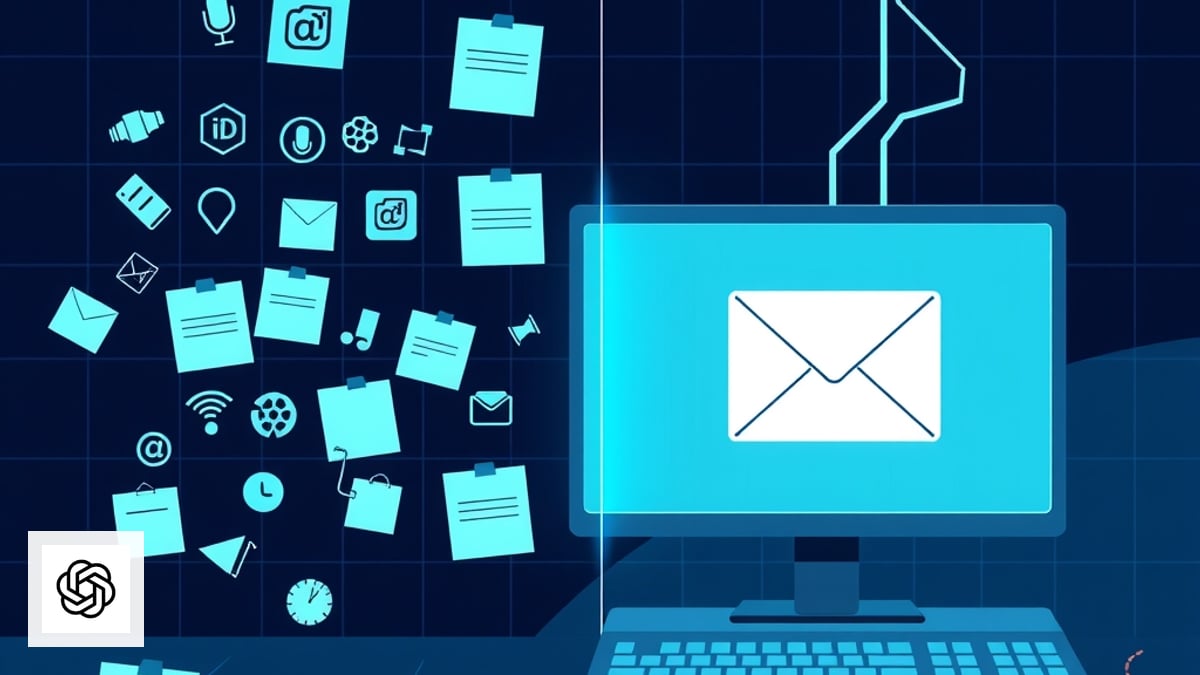
The workflow at a glance
Step 1 — Keep a client log that AI can read
Create one Google Doc per retainer client titled Client Name — Weekly Log. Each week add a dated block:
Week of 2026-10-06
Done: shipped checkout fix, QA sign-off on mobile
In progress: analytics dashboard (70%), waiting on API keys
Blocked: legal review on new terms (since Tue)
Next: load-test staging Thu; demo Fri 10am ET
Risks: launch may slip 3–5 days if keys late
Ask client: approve banner copy by Wed
Rules that save you later:
- Write facts, not vibes (“waiting on API keys from DevOps” beats “things are slow”).
- Tag blockers explicitly—clients forgive delays when the ask is clear.
- Note decisions already made so you do not re-debate them in email.
Spend 30–90 seconds when something meaningful happens; do not rely on memory on Friday.
Example output (trimmed)
After editing, you want something this concrete:
Summary: Checkout is on track; analytics dashboard is at risk until API keys arrive.

Completed: checkout fix shipped; mobile QA signed off.

In progress: analytics dashboard (~70%). Blocker: API keys pending since Tuesday.

I need from you:
1) Banner copy approval by Wed Oct 8.
2) A DevOps contact for the keys.

Next week: staging load test Thursday; internal demo Friday 10:00 ET.

If keys slip past Thursday, go-live may move 3–5 days—I will confirm as soon as we have a firm date.
If ChatGPT returns fluffy prose (“we continue to make progress”), re-paste the prompt and add: “Use only my bullets; no filler sentences.”
Step 2 — Use a status-email prompt (paste once, reuse forever)
Open ChatGPT and paste this system-style instruction once, then reuse the thread weekly:
You are my client communications assistant. I will paste raw weekly bullets.
Output a client-ready status email in plain English.

Structure:
1) One-line summary (progress + mood: on track / at risk)
2) Completed this week (bullets, past tense)
3) In progress (bullets + percent or ETA if I gave one)
4) Blockers & decisions needed from client (numbered asks, due dates)
5) Plan for next week (bullets)
6) Optional: one sentence of context if a blocker affects timeline

Tone: confident, concise, no jargon, no fake enthusiasm.
Length: 180–280 words unless I say otherwise.
Never invent tasks, dates, or approvals I did not mention.
If data is missing, write [NEEDS INPUT: …] instead of guessing.
Then paste your weekly block. ChatGPT should return a sendable skeleton, not a wall of text.
Step 3 — Edit like a pro (non-negotiable)
AI is great at structure; you own the facts. Before Gmail:
- Replace every
[NEEDS INPUT]with real data or delete the line. - Check names, dates, currency, and links—especially if you white-label for an agency client.
- Trim duplicate bullets (models love repeating “in progress”).
- Add one human line when something went wrong (“We missed the Tuesday deploy; here is the recovery plan.”).
If the update is bad news, lead with the plan, not the apology paragraph. Clients pay for clarity.
Step 4 — Send from Gmail with a consistent subject line
Use a predictable subject so clients can search their inbox:
[Project Name] Weekly status — Oct 6
In the body, paste the edited draft. Optional footer:
Reply with approvals on the numbered asks above. Full log: [link to Google Doc view-only]
Do this / don’t do this
| Do | Don’t |
|---|---|
| Same day each week | Random “sorry for the delay” sends |
| Number client asks | Hide blockers until they explode |
| Link the shared log | Paste 2,000 words of ticket IDs |
Step 5 — Archive and feed next week
After send:
- Paste the final email under the week’s bullets in the Doc.
- Roll unfinished items to next week’s block (copy forward, don’t rewrite history).
- If the client replies with decisions, add them to the log the same day.
Next Friday, ChatGPT sees continuity without you re-explaining the project.
Optional: Make sure Friday actually happens
If you chronically skip the update, add a Make scenario: Google Calendar or Schedule → Gmail “draft reminder” with a link to the Doc. Keep the automation dumb—you still edit and send. That preserves trust and avoids robotic client mail.
Browse more playbooks in guides or compare automation stacks in automations.
Quick checklist before you hit Send
- Every blocker has an owner and ask
- Dates match your calendar invites
- No invented progress percentages
- Tone matches the relationship (formal client vs. startup founder)
- Sensitive details removed (passwords, internal HR, other clients)
Bottom line: A weekly status email is not reporting for reporting’s sake—it is how retainers stay renewals instead of surprises. Capture bullets all week, let AI handle the outline, and spend your Friday energy on judgment, not blank-page panic.
Related guides
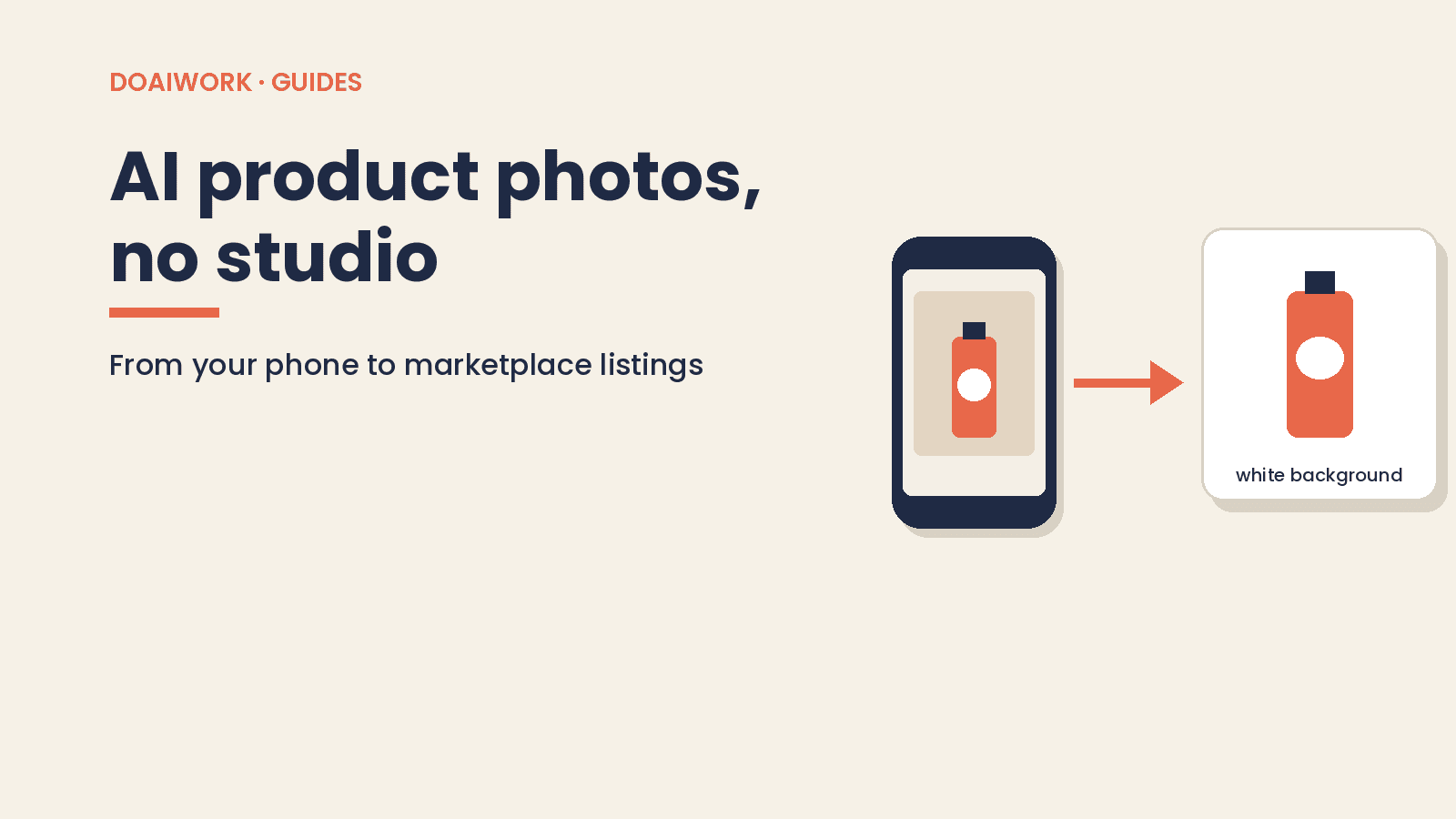
AI Product Photos Without a Studio: Phone to Marketplace
Phone-to-listing product photos with AI: remove backgrounds, Amazon RGB 255 white mains, Photoroom vs Canva, and mistakes that mislead buyers.
Read guide
Turn discovery call notes into a scope doc clients approve
Same-day one-page scope from your call notes: paste-ready AI prompt, out-of-scope section, and testable deliverables—you send it, not the bot.
Read guide
Follow Up on Unpaid Invoices With AI, Then Send It Yourself
Four reminders for an unpaid freelance invoice, three emails you can paste, and a Make scenario that only creates drafts. You still send them.
Read guide