
Add an AI Chatbot to Your Website: Set Up Fast, Disclose Clearly
What a website chatbot can handle, a 5-step afternoon setup, a base prompt, California’s bot disclosure law, and three copy-ready AI notices.
By DoAIWork Editorial · October 4, 2026
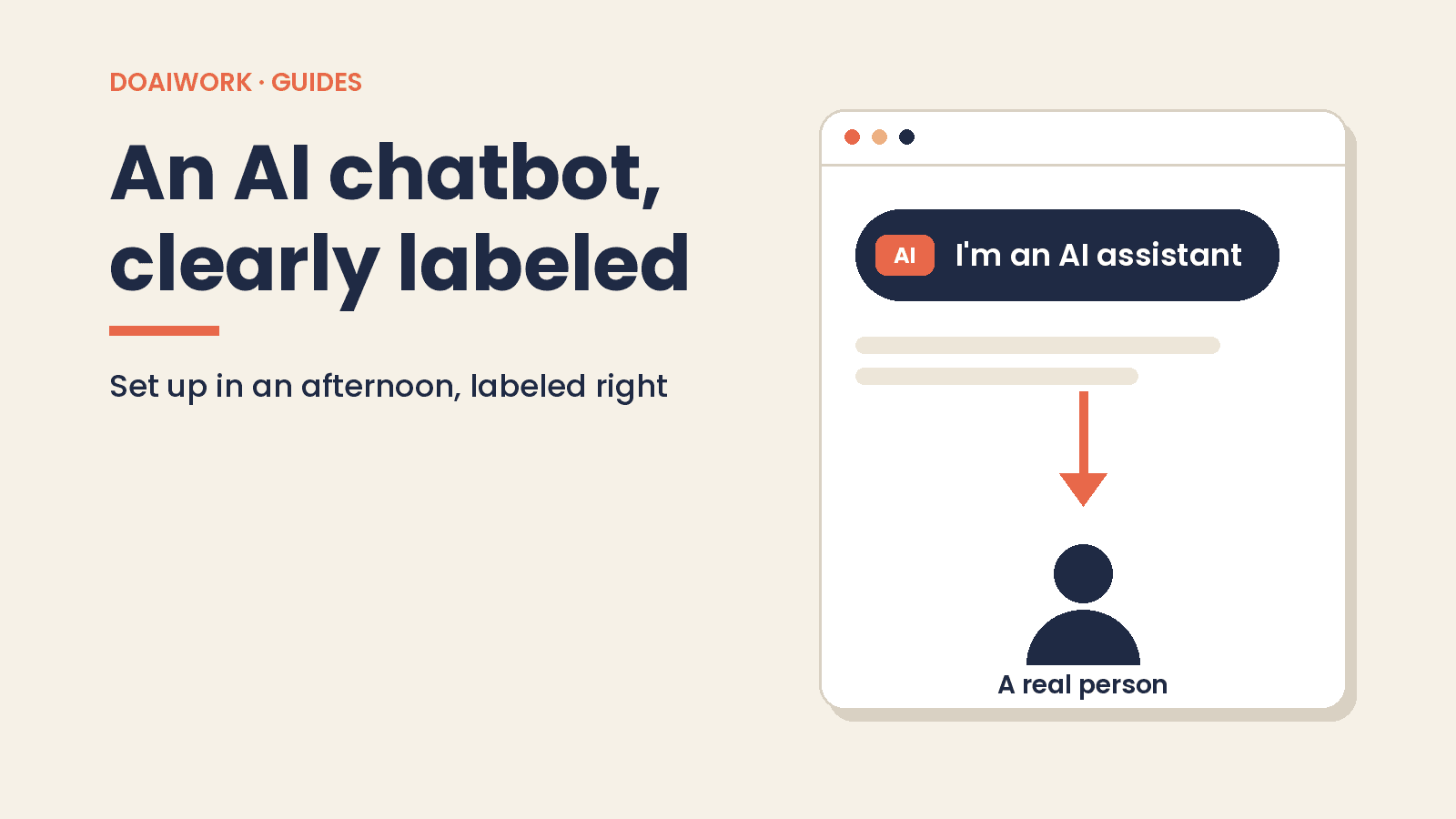
Short answer: an AI chatbot on your website is worth it if customers keep asking the same questions (hours, ballpark prices, how to book, where's my order). You can set one up in an afternoon with a no-code tool and your own pages. The catch: it has to say up front that it's an AI and always offer a route to a real person. In California, using a bot to mislead people about being a bot in order to drive a sale is already against the law.
This guide is written for US small businesses. If you also sell in Europe, the Spanish edition covers the EU AI Act's chatbot notice rule. The running example is a bike shop in Denver that answers the same five questions every day by phone, email, and Instagram.
Facts checked on Oct 4, 2026 against the official sources linked below. This isn't legal advice. If your situation is sensitive (healthcare, minors, financial products), talk to a lawyer.
What a chatbot can and can't handle
Where it shines, as long as you've given it the answers:
- Hours and location: "Are you open Sunday?"
- Ballpark prices: "How much is a basic tune-up?" Give ranges and add "final price confirmed in store."
- Bookings: explain how to book a repair or link to your scheduling tool.
- Order status: only if the tool connects to your online store. Otherwise, it should explain where to check and who to email.
- FAQs: shipping, returns, warranties, payment methods.
Where it shouldn't go:
- Making up policies, deadlines, or prices that aren't on your site.
- Negotiating discounts, approving one-off refunds, or committing to dates.
- Giving medical, legal, or financial advice.
- Asking for sensitive data (health details, Social Security numbers, card numbers).
- Handling serious complaints. Those go to a person.
A good rule: if the answer isn't written down on your site or in your FAQ doc, the bot shouldn't give it.
Set it up in an afternoon: 5 steps
1. Pick a tool
There are dozens. Two that small businesses often try (examples only, not recommendations, as of Oct 4, 2026):
- Tidio with its Lyro AI agent. Per its pricing page, plans come with a 7-day free trial, and the Starter plan includes 50 one-off Lyro conversations to get started. Lyro lists human handoff as a feature.
- Chatbase. Per its pricing page, there's a free plan with 50 message credits a month, and agents on the free plan are deleted after 14 days of inactivity.
Before choosing, check three things: can you show a visible AI notice, can it hand off to a human, and can you export or delete conversation logs?
2. Load your FAQs and pages
Feed it your content only: your hours page, pricing, shipping and returns, plus a doc with the 20 to 30 questions you get most often and your answers. When prices change, update the source and resync. Most tools can re-crawl your pages on demand.
3. Write tone and limit instructions
This is what separates a useful bot from a liability. Paste it into the instructions field (sometimes called "system prompt" or "persona") and fill in the brackets:
You are the AI assistant for [business name], a [type of business] in [city, state].
Your job: answer questions about hours, ballpark prices, bookings, shipping, and returns.

Voice: [friendly, plain-spoken, short sentences, no emojis].

Rules:
- Answer ONLY from the sources provided. If the answer isn't there, say: "I don't have that info. Let me connect you with someone on our team," and offer [email / phone / form].
- Never invent prices, timelines, policies, or promotions.
- Never offer discounts or exceptions to our policies.
- Prices are estimates: add "final price confirmed in store."
- Never ask for health information, Social Security numbers, bank details, or card numbers.
- If asked whether you're a person, say you're an AI assistant.
- If the customer is upset or has a complaint, offer to connect them with a person.
- Reply in the customer's language.
4. Turn on the AI notice and the human handoff
- Set the welcome message to include the notice (copy-ready options below).
- Give the bot a name that doesn't sound like a staff member, or pair it with an "AI" label.
- Configure handoff: live chat during business hours, and outside them a form or email with your expected response time.
- Link your privacy policy next to the chat window.
5. Test with 20 real questions
Pull 20 questions from the last few weeks of email, texts, and calls, including three or four tough ones: "Can you do 20% off?", "Can I return it after riding it?", "Are you a real person?" Check every answer. Is it right? Did it make anything up? Did it offer a human when it should have? Fix the sources or instructions and rerun until it's clean.
The AI notice: what the law says, plus copy-ready text
California's bot disclosure law. California Business and Professions Code § 17941 (SB 1001), operative since July 1, 2019, makes it unlawful to use a bot to communicate with a person in California online with the intent to mislead them about its artificial identity, in order to knowingly deceive them and incentivize a purchase or sale (or influence a vote). There's no liability if you disclose that it's a bot. The disclosure has to be "clear, conspicuous, and reasonably designed" to tell people they're talking to a bot.
Even if you're not in California, your website visitors might be. And a single welcome line is the cheapest compliance you'll ever buy.
The broader principle. Under general consumer protection law, enforced by the FTC, the basic rule is: don't deceive customers. For a chatbot, that means it shouldn't pretend to be human, and it shouldn't promise things your business won't deliver.
Three copy-ready notices:
Hi, I'm [business]'s AI assistant. I can help with hours, prices, and orders. Want a real person instead? Just type "human."
AI assistant · I can make mistakes. For quotes, returns, or complaints, I'll connect you with our team. See our privacy policy for how chats are stored.
You're chatting with an automated AI assistant, not a person. How can I help?
Privacy basics. Link your privacy policy next to the chat, decide how long you keep conversation logs, and don't collect health or payment details in the chat window.
Common mistakes (and how to avoid them)
- Letting it make up policies. This is the expensive one. In Moffatt v. Air Canada, 2024 BCCRT 149 (decided Feb. 14, 2024), a Canadian tribunal held that a company is responsible for what its website chatbot says, just like any other page on its site (decision on CanLII, CBC coverage). The lesson: train it only on your own content and always offer a human.
- Promising discounts. If the bot offers "10% off if you buy today," customers will hold you to it. Ban it in the instructions and test for it.
- Asking for sensitive data. No health details, SSNs, or card numbers in chat. For payments, link to your checkout.
- Hiding the notice, or giving the bot a human name and photo.
- Never reading the logs. Skim a sample every week. It's the best source of new FAQs and errors to fix.
- Forgetting to update. Change your hours or prices and the bot keeps quoting the old ones until you resync.
Reviews are customer service too. To apply the same approach there, see how to reply to Google reviews with AI. And if you're choosing an AI suite for the rest of the business, there's the Copilot vs. Gemini comparison for small businesses.
Final checklist
- The bot only uses my pages and my FAQ doc.
- The instructions ban invented prices, policies, and discounts.
- The AI notice shows in the first message and is clear and conspicuous.
- The bot's name and avatar don't suggest a human.
- There's an obvious route to a person (chat, email, or form) with a response time.
- I tested 20 real questions, including the tough ones, with no errors.
- My privacy policy is linked next to the chat.
- I've decided how long chat logs are kept.
- The bot never asks for health info, SSNs, or payment details.
- I review a sample of conversations every week.
Go to the source: California B&P Code § 17941. For more step-by-step playbooks, browse the Guides category.
Related guides
Reply to Google Reviews With AI: Fast, Your Voice, No Legal Trouble
Use Gemini or ChatGPT to reply to Google reviews in your own voice: setup, a base prompt, 5 templates, the FTC fake-review rule and a 15-minute weekly routine.
Read guide