
Support Retainer Playbook: SSL Certificate Expiry & Renewal (With AI)
When a TLS certificate on a retainer client is nearing expiry, renew with proof—not panic. Use ChatGPT triage, a Google Docs renewal brief, and a Gmail cadence so browsers stay trusted and hours stay billable.
By DoAIWork · November 2, 2026
A support retainer client does not care that Let's Encrypt auto-renews—until Tuesday morning when Chrome shows NET::ERR_CERT_DATE_INVALID and their sales team is on a demo call. Certificate expiry is predictable, yet it still burns retainer hours when nobody owns the calendar, the DNS validation record vanished, or the load balancer still serves last year's chain.
This playbook is for freelancers and small agencies who already run monthly retainer reviews and know how to run a scheduled maintenance window. It is not a live P1 outage pack (though a missed renewal can become one) and not a third-party vendor escalation unless the cert is wholly managed by a SaaS you cannot touch. It is the proactive path: expiry on the horizon or renewal in flight, with written client updates and a rollback plan if the new chain fails validation.
When to use this pack
Reach for it when all of these are true:
- The retainer is active and includes infrastructure or application support you can access (hosting panel, CDN, reverse proxy, or deployment pipeline).
- A certificate is within your renewal window (common practice: 30 days for public CAs, sooner if the client requires change control).
- You need a client-visible paper trail: what will change, when, who approves, and how you will verify success.
- Renewal touches production hostnames the business relies on (marketing site, app subdomain, API gateway, webhooks).
If the cert already expired and revenue stopped, triage as urgent incident first, then return here to prevent recurrence. If the client wants a brand-new domain migration, treat it as a change request with separate scope.
What you will produce
- A Certificate Renewal Brief in Google Docs (one page): hostnames, issuer, expiry date, validation method, maintenance window, rollback trigger.
- A ChatGPT triage memo separating FACT vs ASSUMPTION on chain completeness, SAN coverage, and auto-renew tooling.
- A three-email Gmail sequence: heads-up, change window reminder, post-renewal verification summary.
- A monthly review row with cert expiry dates so renewals and capacity planning see risk early.
Step 1 — Inventory facts before you touch production
Paste a structured snapshot into ChatGPT (no secrets—redact private keys and account IDs):
You are my retainer ops assistant. Separate FACT vs ASSUMPTION.

FACTS I know:
- Hostnames: …
- Current expiry (UTC): …
- Issuer / CA: …
- Termination: (CDN / load balancer / origin / K8s ingress)
- Last renewal method: (HTTP-01 / DNS-01 / manual upload)

ASSUMPTIONS to challenge:
- Auto-renew job still runs
- All SANs covered
- Intermediate chain installed on every hop

Output: risks ranked, questions for client, and a 5-line renewal plan.
Save the model output in the Renewal Brief under Triage. If ASSUMPTION count is high, your next billable hour is discovery—not clicking Renew.
Step 2 — Build the one-page Renewal Brief (Google Docs)
Use this table—clients sign faster when the doc looks familiar:
| Section | Content |
|---|---|
| Scope | Hostnames + environments (prod vs staging) |
| Current state | Expiry, issuer, fingerprint (optional) |
| Target window | Local timezone + duration |
| Validation | DNS record names, HTTP path, or upload portal |
| Rollback | Previous cert available? LB backup config? |
| Verification | External checker URLs + internal smoke tests |
| Comms | Who gets Gmail #1–3 |
Link the doc from your ticket system so duplicate chronic tickets do not reopen every quarter.
Step 3 — Gmail cadence (paste-ready)
Email 1 — Heads-up (7–14 days before window)
Subject: [Client] TLS certificate renewal planned — [date window]
Body bullets: hostnames affected, why renewal is routine, link to Renewal Brief, ask for DNS/contact confirmation if validation is DNS-01.
Email 2 — Reminder (24 hours before)
Subject: [Client] Reminder: cert renewal tomorrow [time TZ]
Body: exact start time, expected user-visible impact (usually none if done well), reply-to for abort requests.
Email 3 — All-clear (after verification)
Subject: [Client] TLS renewal complete — verification attached
Body: new expiry date, checker results summary, note where the Brief lives for auditors.
Human sends every email—AI drafts, you verify hostname spelling.
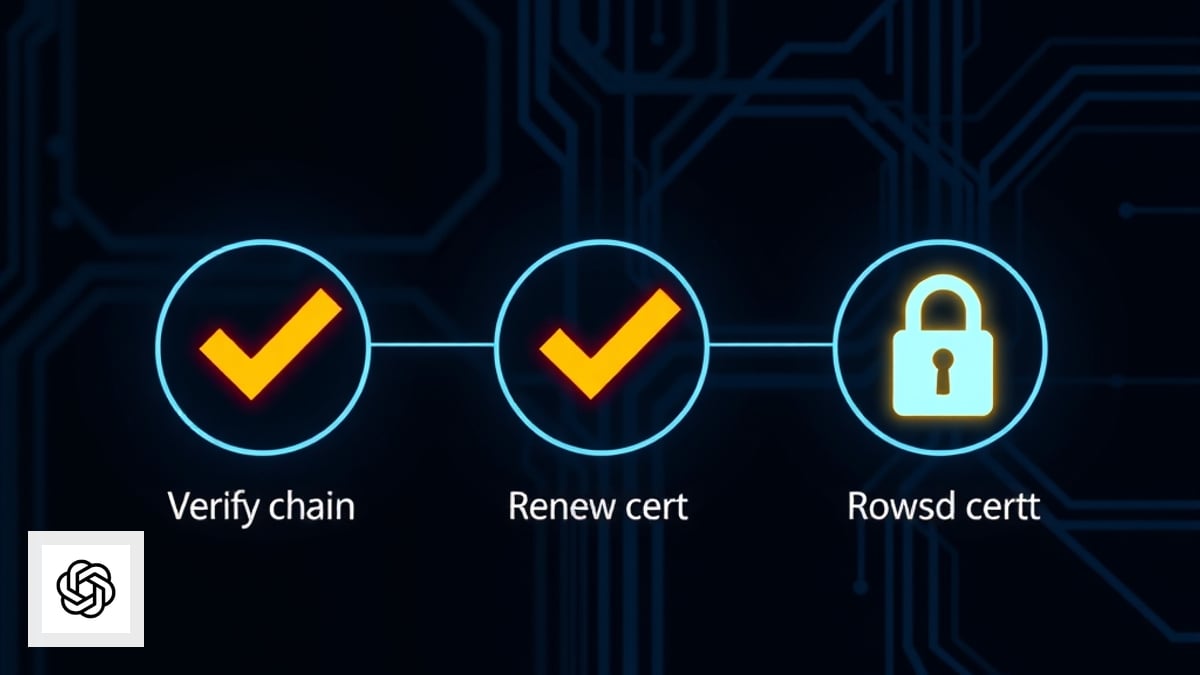
Step 4 — Execute renewal with a rollback trigger
During the window:
- Snapshot current cert + chain (download PEM or export from panel).
- Renew or re-issue at the CA; complete DNS/HTTP validation.
- Install full chain on every termination point (missing intermediates cause “works on my laptop” failures).
- Run external checkers (SSL Labs or equivalent) and a browser smoke test on each hostname.
- Watch error logs for 60 minutes—webhooks and mobile apps often cache pins longer than browsers.
Rollback trigger: any checker shows incomplete chain, wrong hostname, or elevated 5xx/TLS errors → revert to snapshot cert, send a short Gmail incident note, open a follow-up ticket.
Step 5 — Log it in the monthly review
Add a row:
| Month | Cert ID / hostname | New expiry | Incidents | Notes |
|---|---|---|---|---|
| … | app.client.com | … | 0 | Auto-renew enabled? Y/N |
This row feeds retainer renewal conversations with evidence you reduce predictable risk—not just close tickets.
Common traps on retainers
- Staging forgotten: prod renewed, staging expired, breaking QA that gates releases.
- DNS validation drift: marketing changed DNS provider; ACME TXT records never updated.
- Multi-hop chains: renewed at origin but CDN still serves old cert.
- Scope creep: client asks for new subdomain—route to change request instead of “quick add” during renewal.
Quick checklist
- Expiry dates in monitoring or calendar ≥30 days ahead
- Renewal Brief signed or acknowledged in writing
- FACT/ASSUMPTION triage saved
- Full chain verified on all termination points
- Three-email cadence sent by a human
- Monthly review log updated
Certificate expiry is boring until it is expensive. On a retainer, boring work is the product—documented renewal beats heroic midnight installs every quarter.
Related guides

Send Post-Discovery Client Homework With AI (Google Forms + Gmail)
After your post-discovery recap, send a short Google Forms questionnaire—drafted with ChatGPT and delivered via Gmail—so clients confirm details in writing before you write scope.
Read guide
Send a Post-Discovery Call Recap Email With AI the Same Day
After a sales or discovery call, send a same-day recap that confirms decisions, surfaces open questions, and sets a mutual action plan—using ChatGPT, Google Docs, and Gmail.
Read guide
Build a Pre-Client Call Brief With AI in 10 Minutes (Calendly + Your Notes)
Stop winging discovery calls. Pull Calendly answers, Gmail threads, and LinkedIn snippets into one honest pre-call brief so you listen better and quote faster.
Read guide