
Client Post-Handoff Hypercare Pack With AI (30-Day Support Window)
After handoff, clients still ping you. Build a written 30-day hypercare window with issue triage, Google Docs logging, and ChatGPT-drafted Gmail replies you send yourself.
By DoAIWork · October 13, 2026

You closed the project with a solid handoff pack. The site is live, files are in their drive, and everyone said thank you. Then Monday hits: three Slack pings, a “small tweak” that is not small, and a bug that might be scope—or might be your mistake.
That messy first month is hypercare: a short, written support window where you fix real defects fast, answer how-to questions calmly, and stop unpaid scope creep before it eats your margin. This guide shows freelancers and small agencies how to build a client post-handoff hypercare pack with AI in one afternoon—using ChatGPT, a single Google Doc, and Gmail. You stay human-in-the-loop on every send.
Why a 30-day hypercare window beats “just email me”
Without boundaries, clients treat launch week like unlimited free design dev. With boundaries, you look more professional: you are not dodging them; you are running a mini support program.
Hypercare is not a retainer (see our weekly status email playbook for ongoing cadence). It is a time-boxed bridge between delivery and either silence or a paid support plan.
You will leave this article with:
- A one-page Hypercare Policy clients see up front
- A lightweight issue log in Google Docs
- ChatGPT prompts to triage bug vs how-to vs change request
- Paste-ready Gmail replies and a weekly summary template
- A clean exit email when the window closes
What you need before you start
- Signed scope or SOW reference (from discovery scope doc or proposal)
- Handoff doc listing what “done” means
- List of support channels you actually monitor (usually email; avoid promising 24/7 chat unless paid)
Tools: ChatGPT (or Claude) for drafts, Google Docs for the log + policy, Gmail for sending.
Step 1 — Write the Hypercare Policy (one Google Doc page)
Create a doc titled [Client] – 30-Day Hypercare Policy. Keep it to one screen. Include:
- Window: start/end dates (default: 30 calendar days from handoff sign-off).
- Channels: e.g. email only, subject tag
[ProjectName Support]. - Response target: honest SLA (e.g. “1 business day for hypercare items”).
- In scope: defects vs signed deliverables, broken links, “how do I…” on what you built.
- Out of scope: new features, extra pages, third-party outages, content entry unless agreed.
- How changes work: link mentally to your change request pack—paid work needs a written yes.
Paste this skeleton, then customize:
Hypercare window: [Start date] – [End date]
Contact: [email], subject [Client – Support]
We will fix defects in delivered work at no charge during this window.
Training/how-to: included if reasonable (≤30 min per week bundled).
New requests: quoted separately; work starts after written approval.
After [End date]: support continues only under [retainer / hourly / none].
Send the policy with your handoff email or as a follow-up the same day.
Step 2 — Create the Hypercare Issue Log (same Doc, second page)
Add a table:
| ID | Date | Reporter | Summary | Type (Bug/How-to/Change) | Status | Notes |
|---|
Type rules matter. They stop arguments later:
- Bug: worked in UAT or clearly broken vs spec
- How-to: client needs guidance on delivered feature
- Change: new outcome not in signed scope → CR path
Step 3 — Triage every inbound message
When a message arrives, run this flow before you touch code or Figma:
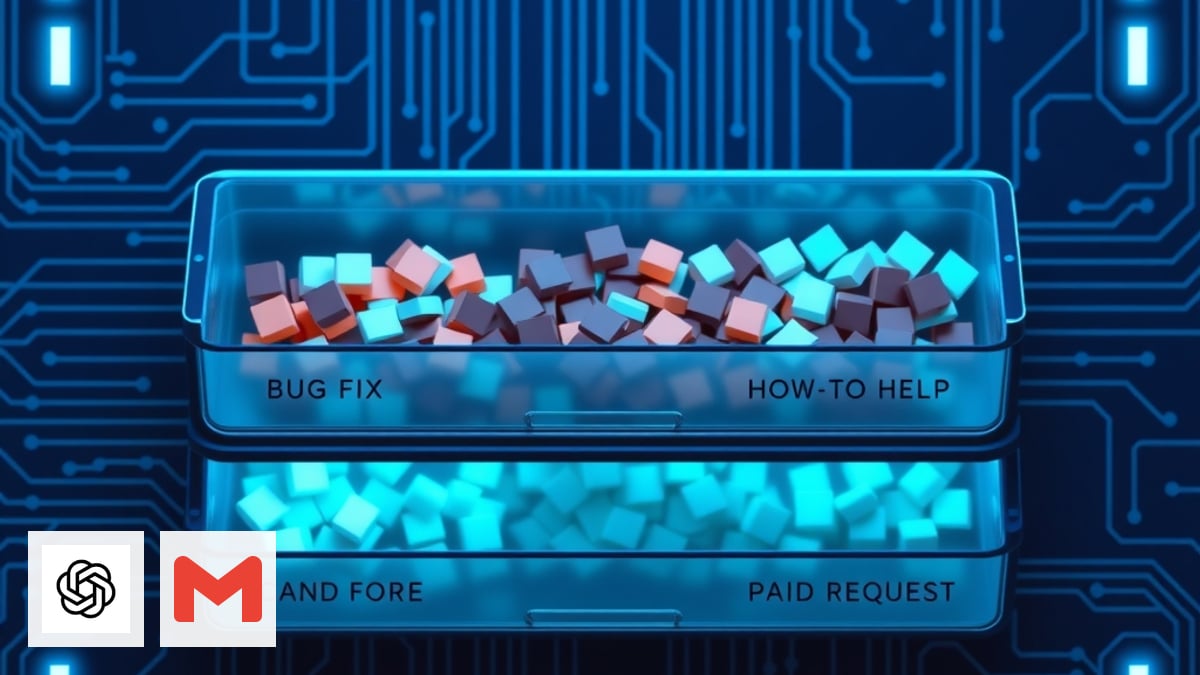
ChatGPT triage prompt (paste the client email + link to scope excerpt):
You are a freelance project ops assistant. Given the SOW excerpt and client message below, classify as Bug, How-to, or Change. One paragraph: reasoning. Bullet: recommended next action for the freelancer. Do not draft the client reply yet.

SOW excerpt:
[paste]

Client message:
[paste]
If the model says Change, do not fix for free—send them through your change process. If Bug, log it and prioritize. If How-to, offer a Loom or short written steps.
Step 4 — Draft replies you still send yourself
Use ChatGPT for tone, not autopilot:
Draft a Gmail reply under 120 words. Friendly, firm boundaries. This is a [Bug/How-to/Change]. If Change, mention we need written approval and approximate timeline after quote. No legal threats. Sign off as [Name].

Context:
[paste triage summary]
You click send in Gmail. That keeps trust and avoids AI disclosure surprises on client-facing mail.
Bug acknowledgment template
Subject: Re: [Client – Support] – logged as HC-004

Thanks for flagging this. I logged it as a hypercare defect (HC-004) and aim to [fix/deploy/explain] by [date]. I will update this thread when it is resolved.
Change request redirect (kind version)
Subject: Re: [Client – Support] – new scope

Happy to help with [ask]. That sits outside the signed deliverables for this phase, so I will send a short change summary and quote separately. Once you approve in writing, I will schedule it.
Step 5 — Weekly hypercare summary (optional but powerful)
Every Friday during the window, send a five-bullet update: opened, closed, waiting on client, changes quoted, window end date reminder. Reuse your status email rhythm—clients already know the format.
ChatGPT prompt:
Turn these issue log rows into a client-safe weekly hypercare email, ≤150 words, bullet list, no internal jargon. Mention hypercare ends on [date].

[paste table rows]
Step 6 — Close the window cleanly
Three days before end date, send an exit email: what was fixed, what is still open, what happens after (hourly rate, retainer, or referral). Tie back to milestone acceptance if something was never formally signed off.
Subject: Hypercare window closing [date] – next steps

Our 30-day hypercare period ends on [date]. Attached/linked: final issue log snapshot. Open items: [list or none]. After [date], new requests will be handled as [hourly/retainer]. Thank you again for the collaboration.
Archive the Doc as Hypercare – Final and store with your project folder.
Common mistakes
- Fixing “just this once” changes — trains clients to skip CRs.
- No written window — hypercare becomes forever.
- Autopilot AI replies — tone slips; you miss liability cues.
- Skipping the log — you cannot prove what you did for free.
Where this sits in your client lifecycle
Hypercare sits after handoff, before optional retainer work: discovery → proposal → kickoff → delivery → handoff → hypercare (this guide) → paid support or clean exit. If the project paused mid-flight, use the pause/resume pack instead of mixing policies.
Browse more playbooks in Guides.
Quick recap
- Publish a one-page hypercare policy with dates and boundaries.
- Log every ticket with Bug / How-to / Change typing.
- Triage with ChatGPT; you send Gmail.
- Weekly summary optional; exit email mandatory.
You will spend less emotional energy in launch month—and clients get clarity on what “free support” actually means.
Related guides

Send Post-Discovery Client Homework With AI (Google Forms + Gmail)
After your post-discovery recap, send a short Google Forms questionnaire—drafted with ChatGPT and delivered via Gmail—so clients confirm details in writing before you write scope.
Read guide
Send a Post-Discovery Call Recap Email With AI the Same Day
After a sales or discovery call, send a same-day recap that confirms decisions, surfaces open questions, and sets a mutual action plan—using ChatGPT, Google Docs, and Gmail.
Read guide
Build a Pre-Client Call Brief With AI in 10 Minutes (Calendly + Your Notes)
Stop winging discovery calls. Pull Calendly answers, Gmail threads, and LinkedIn snippets into one honest pre-call brief so you listen better and quote faster.
Read guide